Search
Use this menu item to search for something. The Search Results screen is available, if you click on the magnification glass icon in the main menu, enter a search term and hit Enter key on your keyboard.
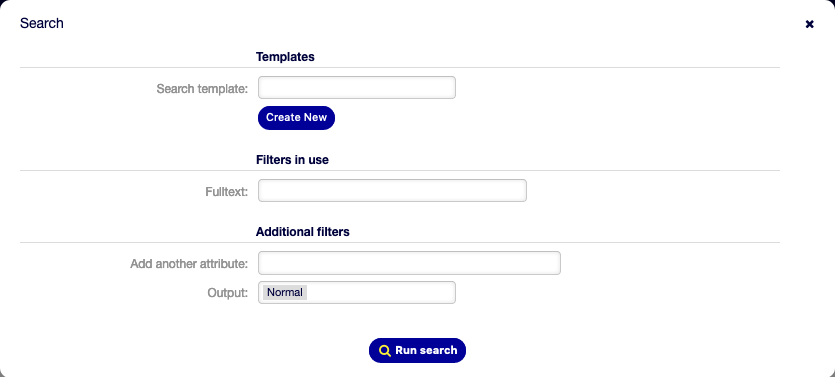
Search Dialog
If the search has results, a new screen will open.

Search Results Screen
This screen lists all objects that matches the search term. The objects are grouped by type.
To find the desired object:
Select a type in the header of the widget.
Use the filter in the right sidebar to narrow the result.
There is an option All to see all type of object.